

Cervino (2017)
Project origins
Reimagining everyday
digital tasks
Cervino is the first application I published on an online store. I started developing it under the name MyDesktop when I was 15 years old, as a speculative exercise that sought to reimagine everyday computer use for users of the then-new Windows 8 operative system.
Project origins & evolution
Cervino is an app for Windows and Windows Phone that enables users to manage popular digital daily tasks through an intuitive, adaptive interface. Initially an experiment, the application has evolved over the years, led by user feedback.
Originally named MyDesktop and developed for Windows 8, the app targeted older users unfamiliar with modern OS complexities. However, I overlooked the limited presence of this demographic in app stores like Microsoft Store, where the app was published.
Publishing on this platform led to an unexpected discovery: a significant number of young people (ages 21 to 30) sought to enhance and simplify their Windows tablet and phone experience.
As a result, with the transition to Windows 10 Universal and the renaming to Cervino, I started adding features catering to these users on their touch PCs, tablets, and phones.
Design challenge
An instructions-free
user interface
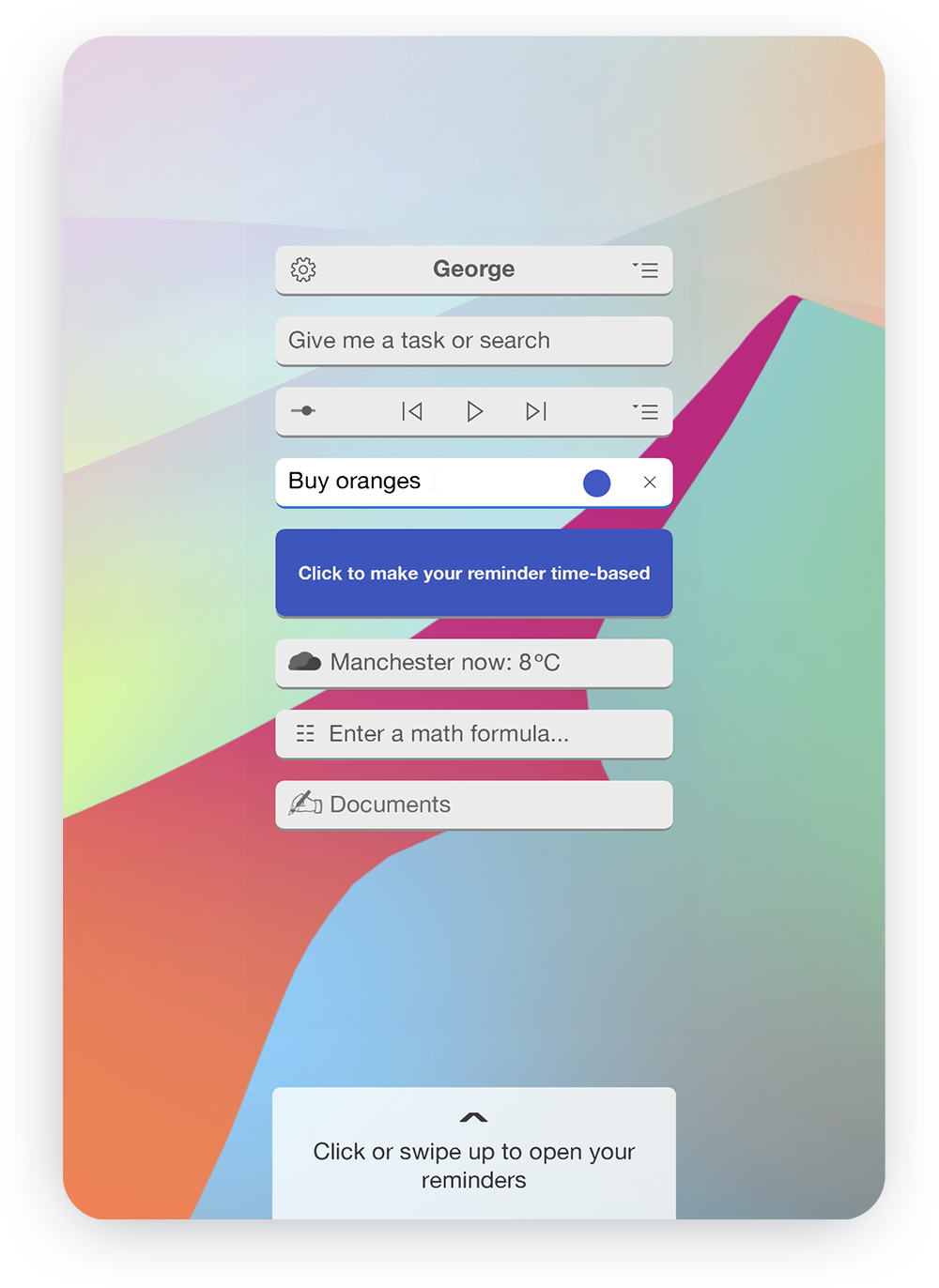
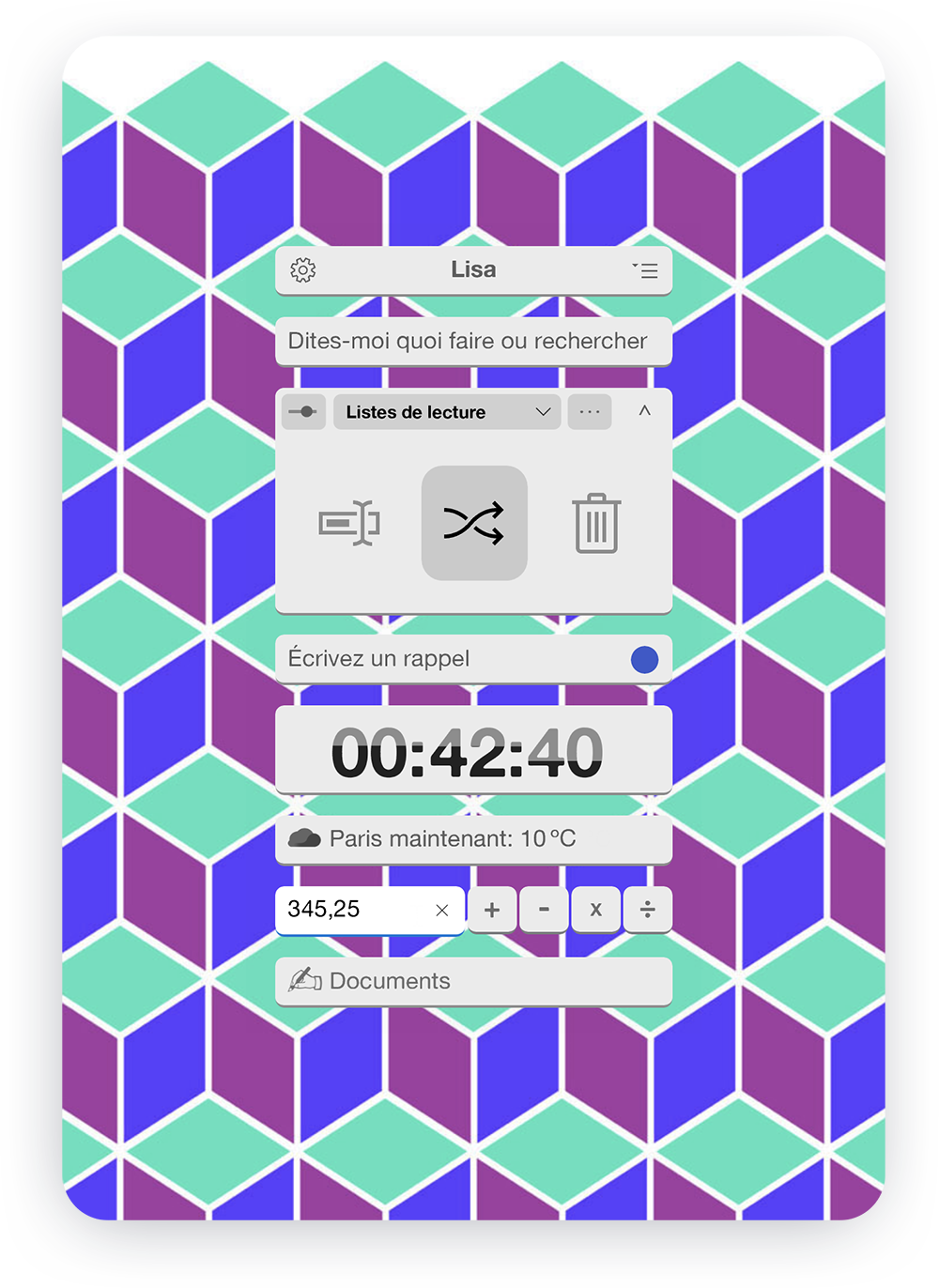
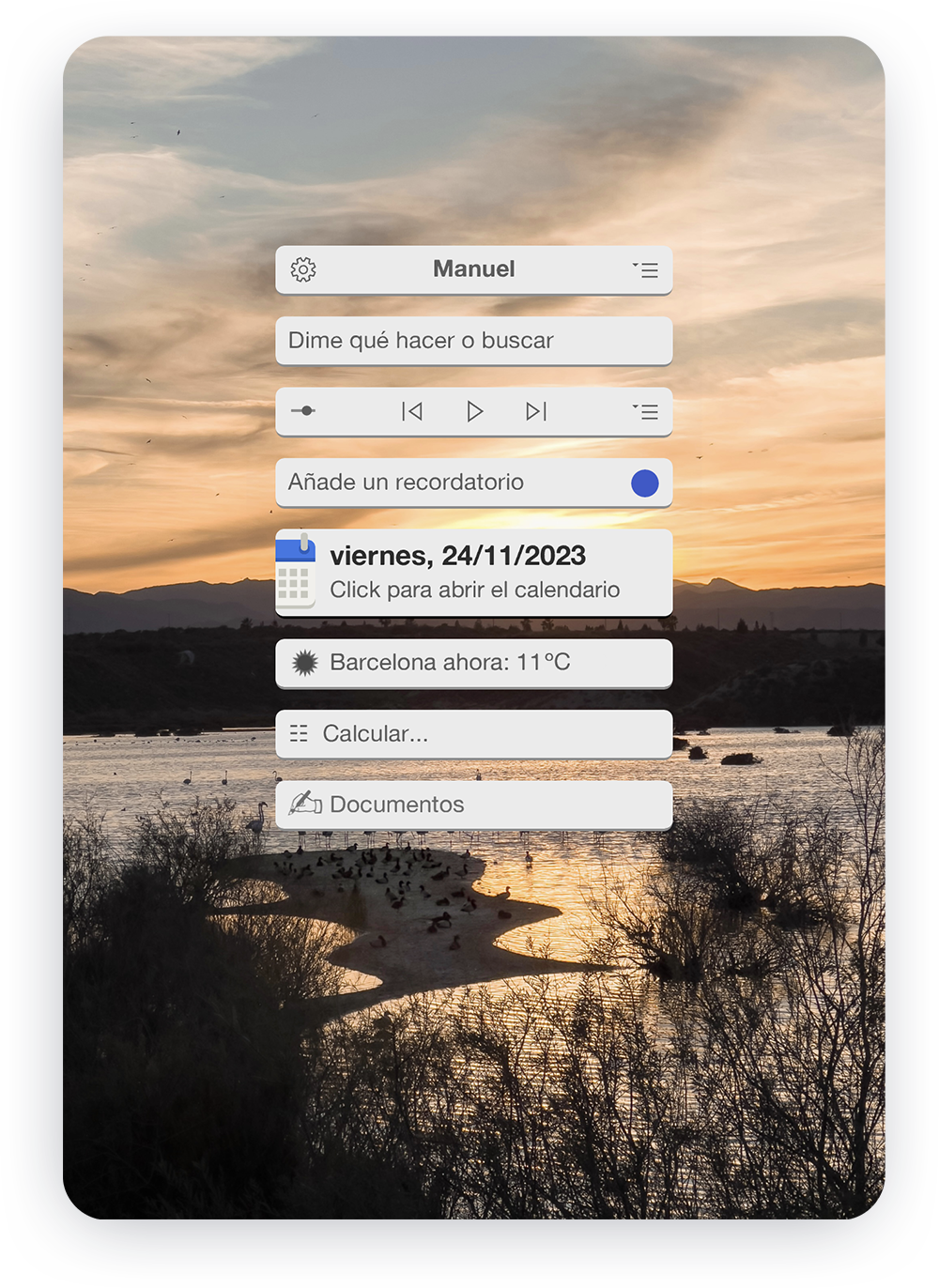
A key goal for Cervino was creating a UI so intuitive that it required no written explanations nor tutorials.
To achieve this, I employed an iterative co-design approach. By highlighting the significance of user feedback in the welcome message and providing clear instructions for sending feedback upon app installation, I motivated nearly a hundred users to contribute to the design process.
The outcome: a streamlined user interface with dynamic controls that reveal necessary information at the right times.
All the basics
included
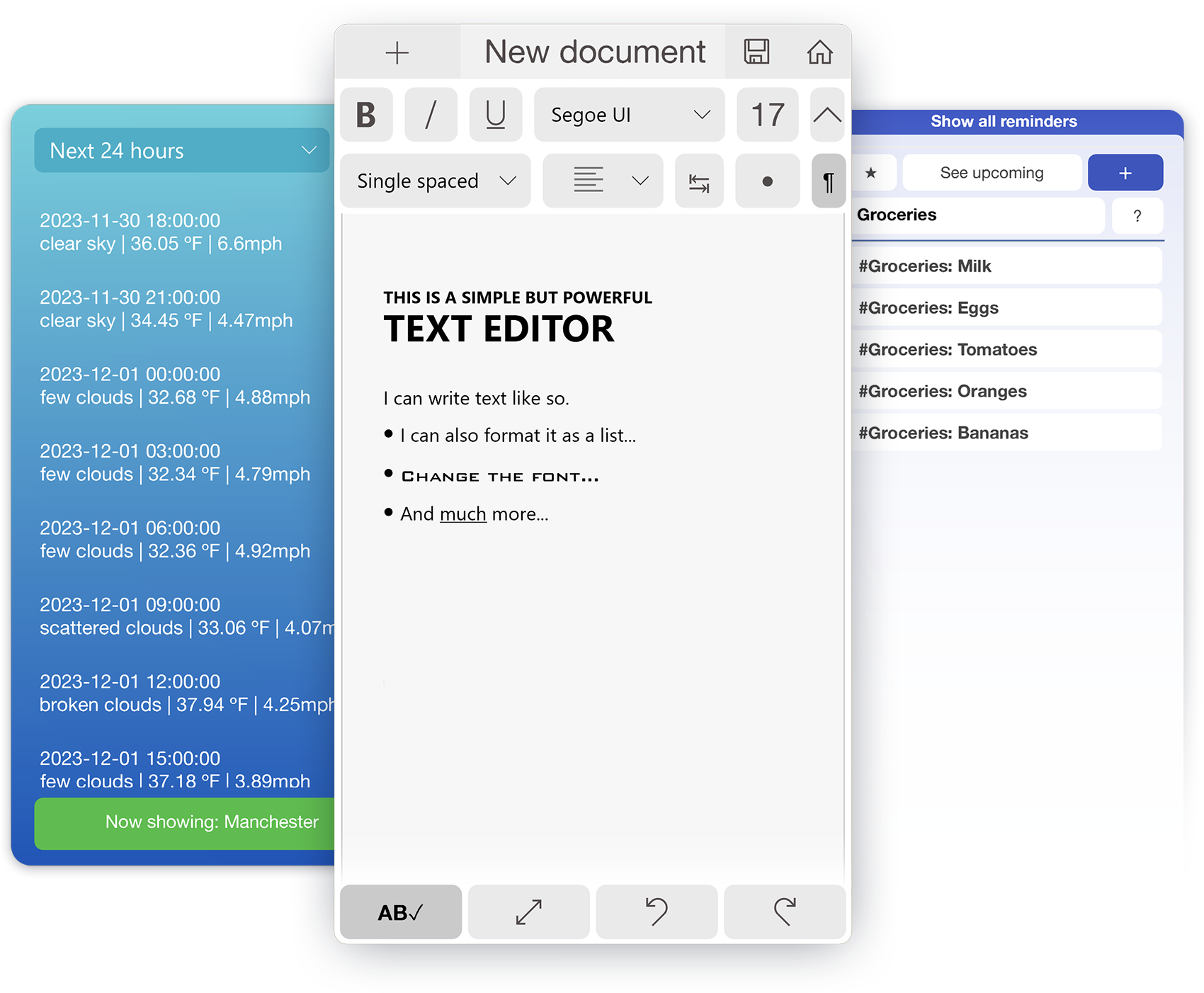
Cervino offers the most popular features:
- Browser: with shortcuts to search directly on selected sites (Wikipedia, amazon, youtube, etc.) and simplified tab management.
- Rich text editor: with various formatting options and smart suggestions.
- PDF reader: with the possibility of adding notes with Windows Ink.
- Music player
- File viewer: Images, videos, music, pdfs, and more.
- Calculator and direct access to spreadsheets.
- Weather forecast
- Reminders and task lists.
...and all
a click away
Another essential element of the application was that the user would be able to find what he was looking for in as few steps as possible.
An "always-on assistant": a search bar that appears when clicking on any empty spot on the screen, with which the user can type in what they are looking for and receive instant shortcut suggestions.
Smart widgets that display handy shortcuts as they are being used.
A gesture-based system for quick actions on touchscreen devices — which allows closing, opening, and returning to recent "apps" using gestures.